
Texts and reminders
Talk with clients
the way they like.
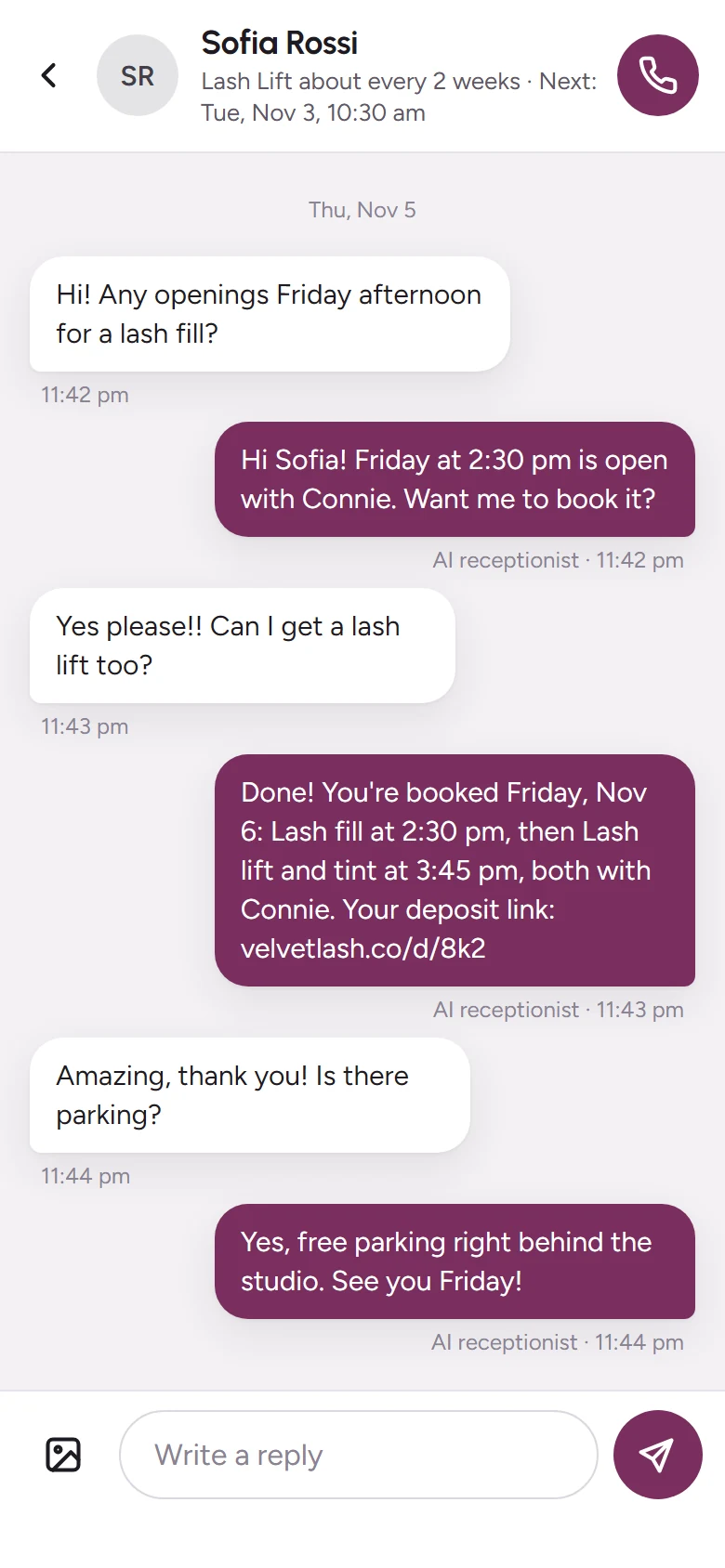
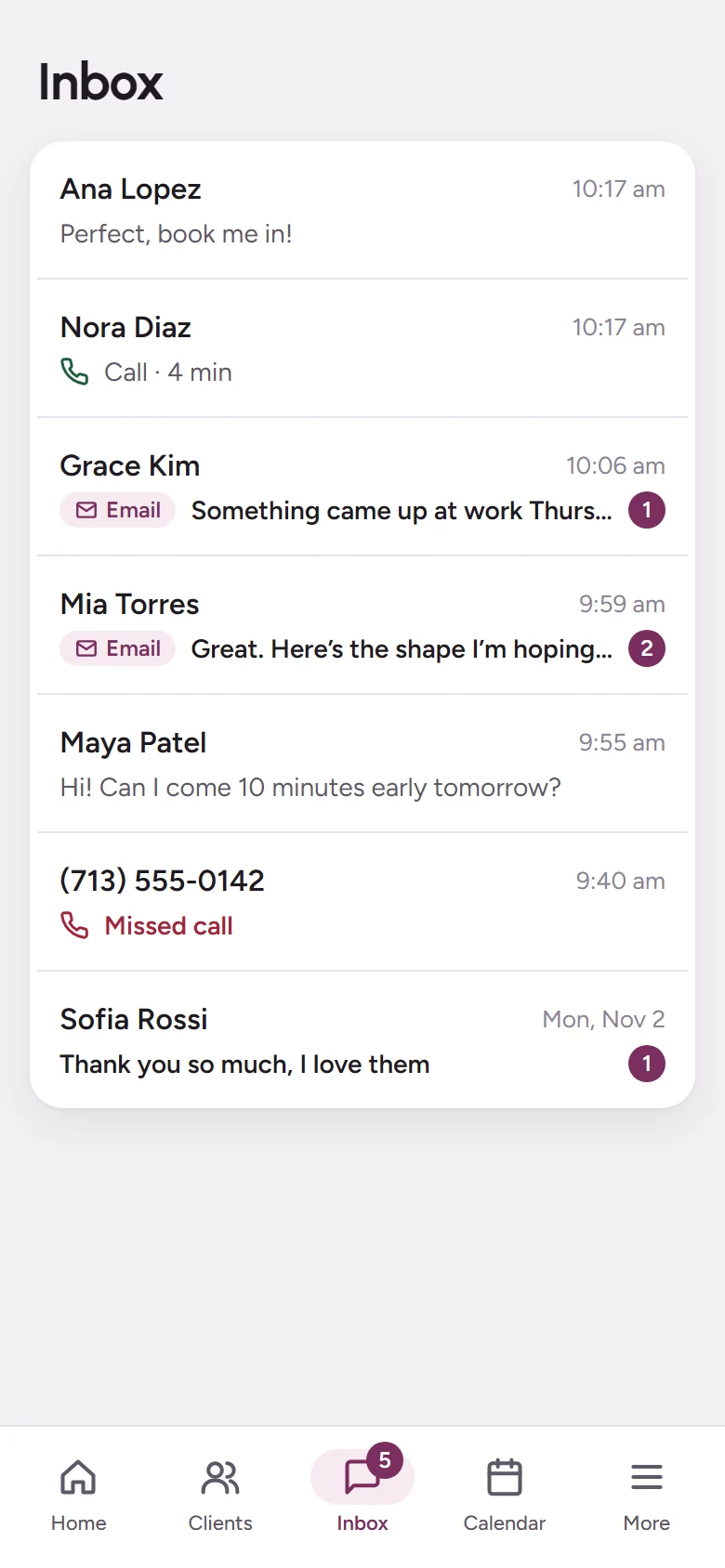
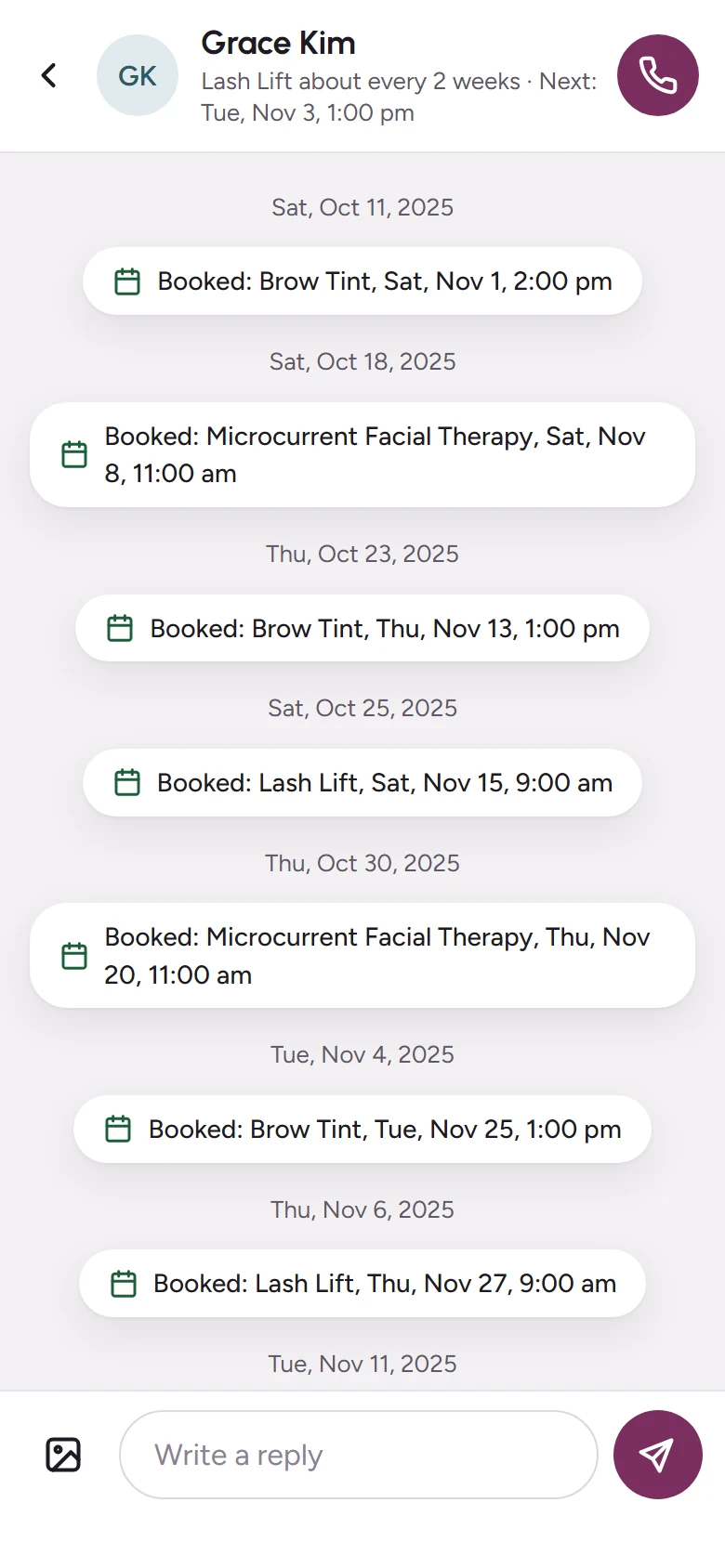
Confirmations and reminders go out on their own, by text or email. When clients reply, everything lands in one Inbox, and every text about a visit stays with the visit.

Reminders
Fewer no-shows, without lifting a finger.
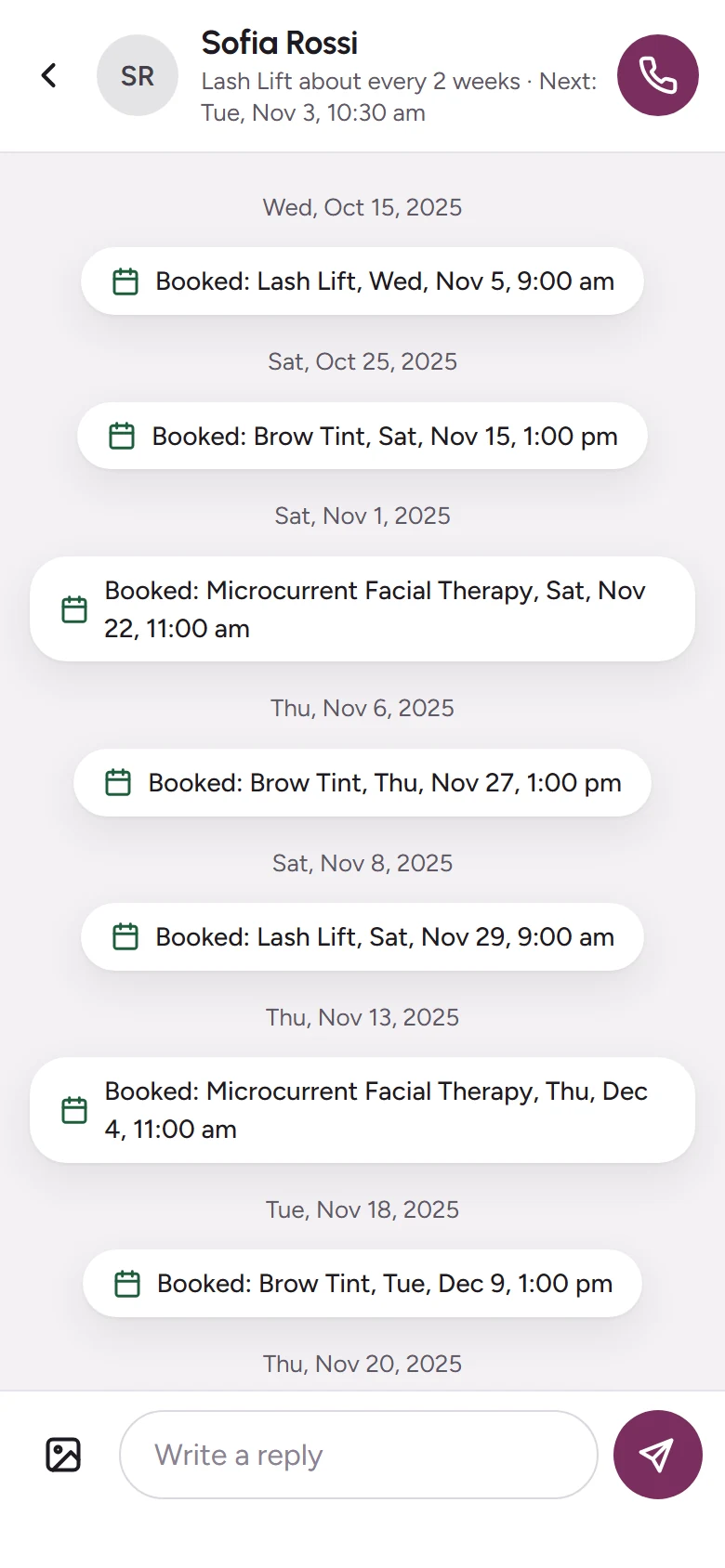
- A confirmation when they book, and a reminder before the visit.
- By text, by email, or both: each client chooses.
- Changes and cancellations are confirmed for you too.
One Inbox
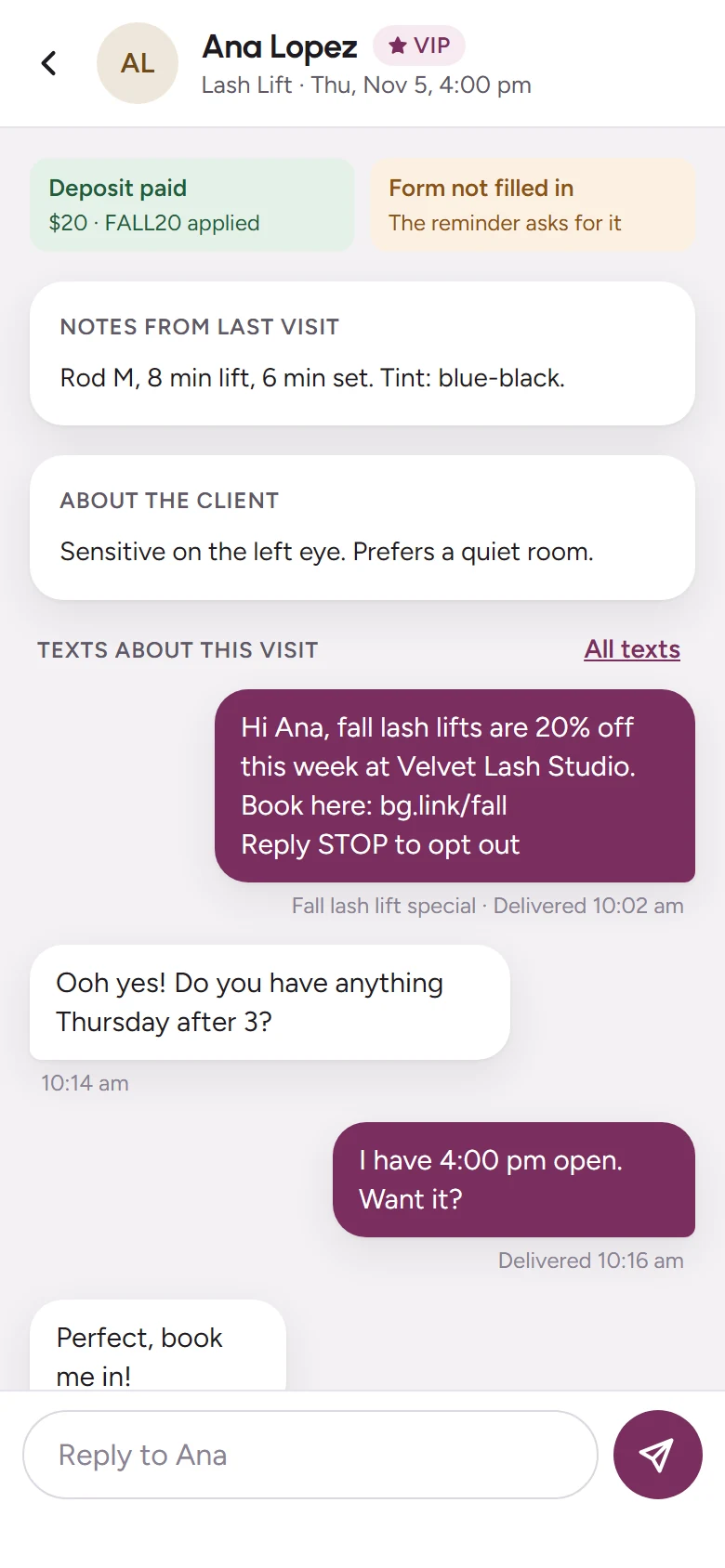
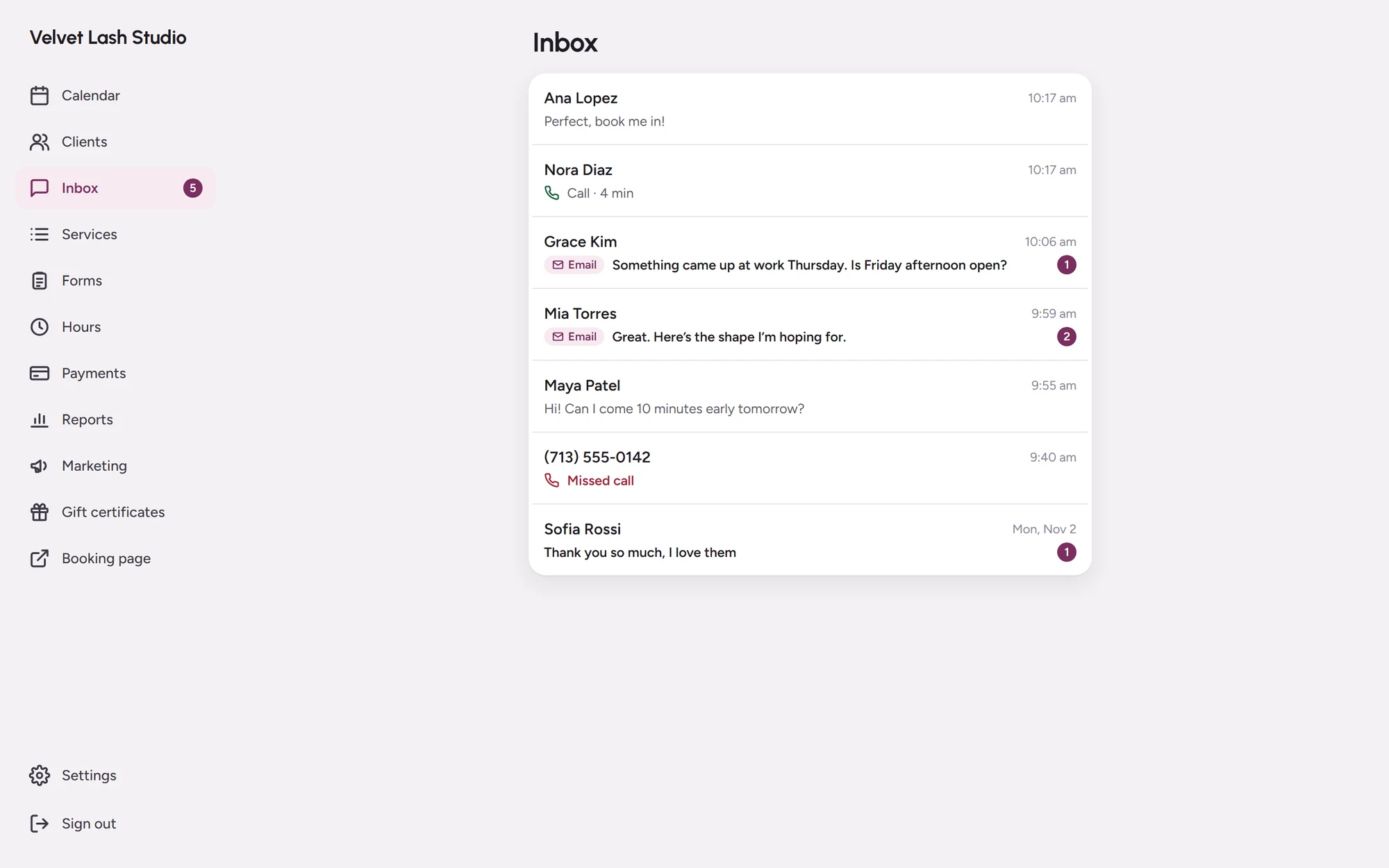
Texts, email replies and missed calls in one place.
- Clients text your own business number, not your personal phone.
- Email replies show up in the same conversation.
- New texts are sorted for you: bookings, questions and the ones that need you first.
- A missed call becomes a text, so you can answer when you’re free.
- Your AI receptionist can answer for you while you work.
Reviews
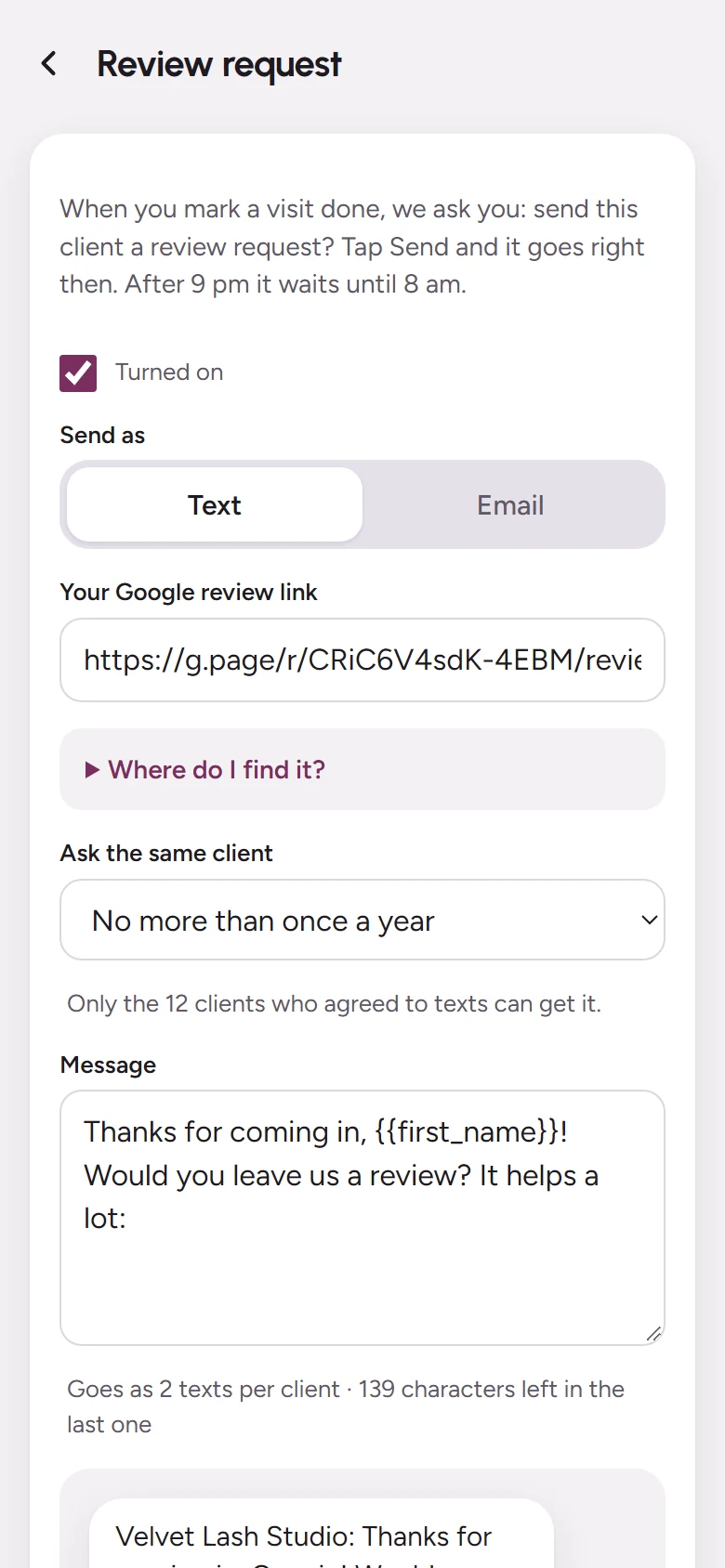
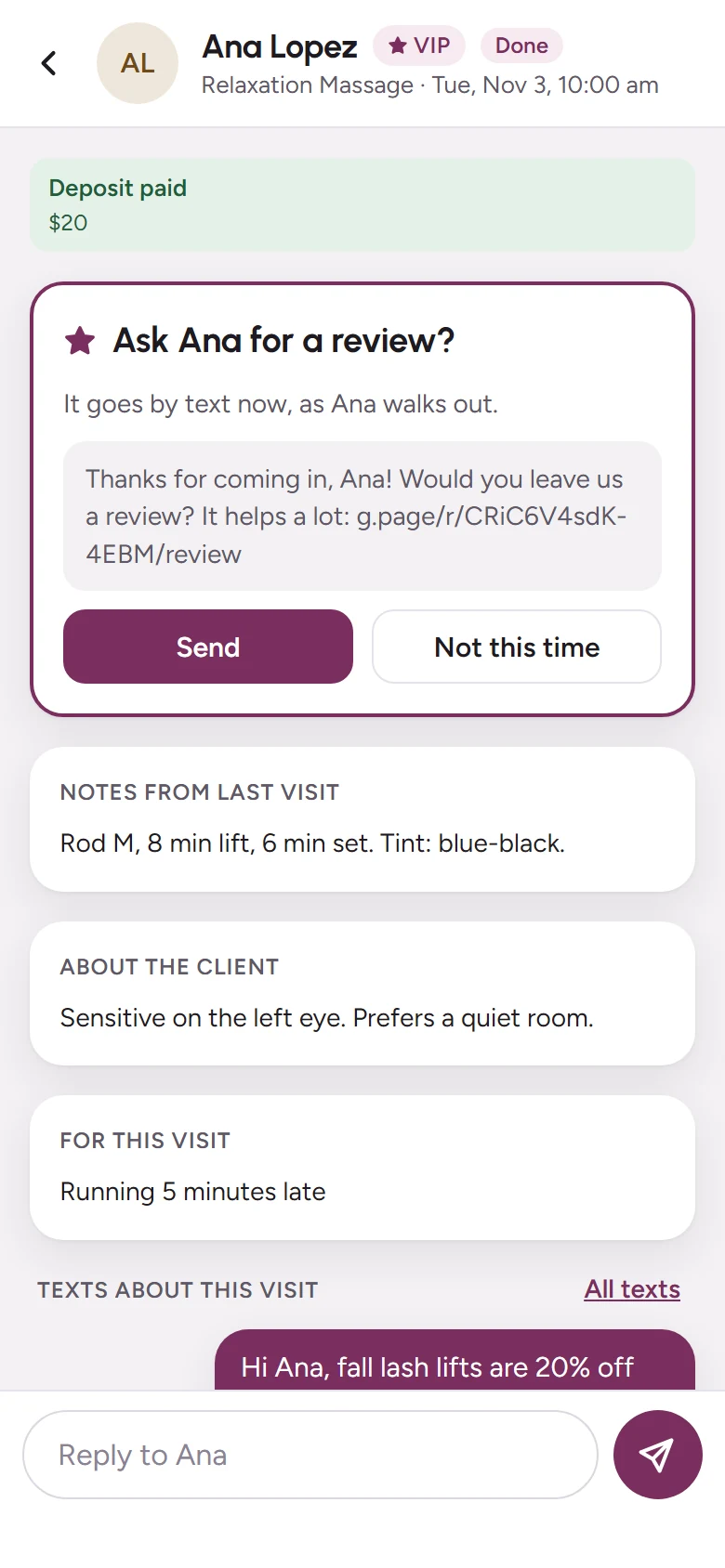
Ask for a review as they walk out.
- Mark the visit done and send a Google review request with one tap.
- Or let it send itself after every visit.
- A kind reply to every review, written for you, with unhappy ones shown first.
Ready when you are.
Add your services and hours, then share your booking link today.