
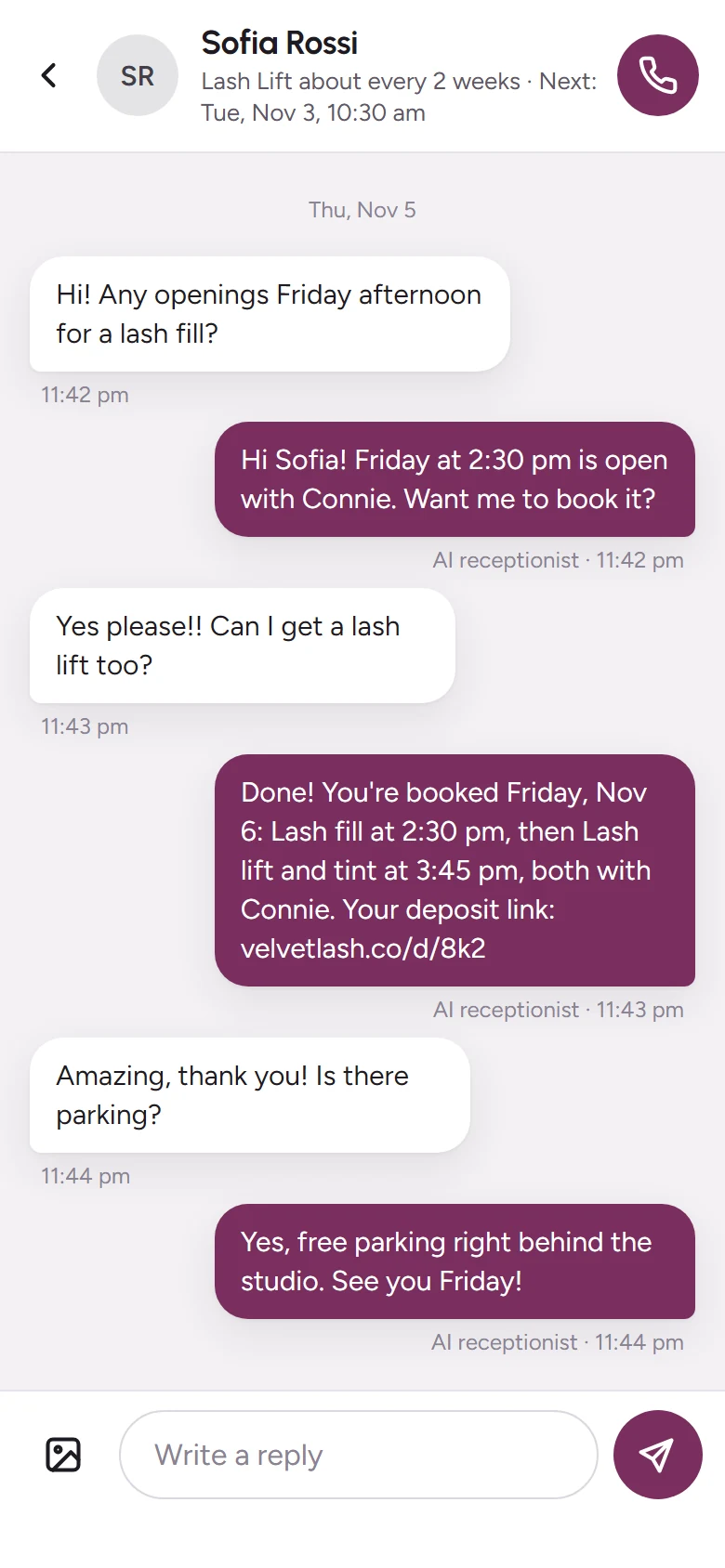
Online booking
Clients book themselves.
You stay with yours.
While you’re with a client, between appointments or after hours, your booking page fills your calendar with only the times you really have open, deposit taken. Put the link in your Instagram bio, on Google or in a text.

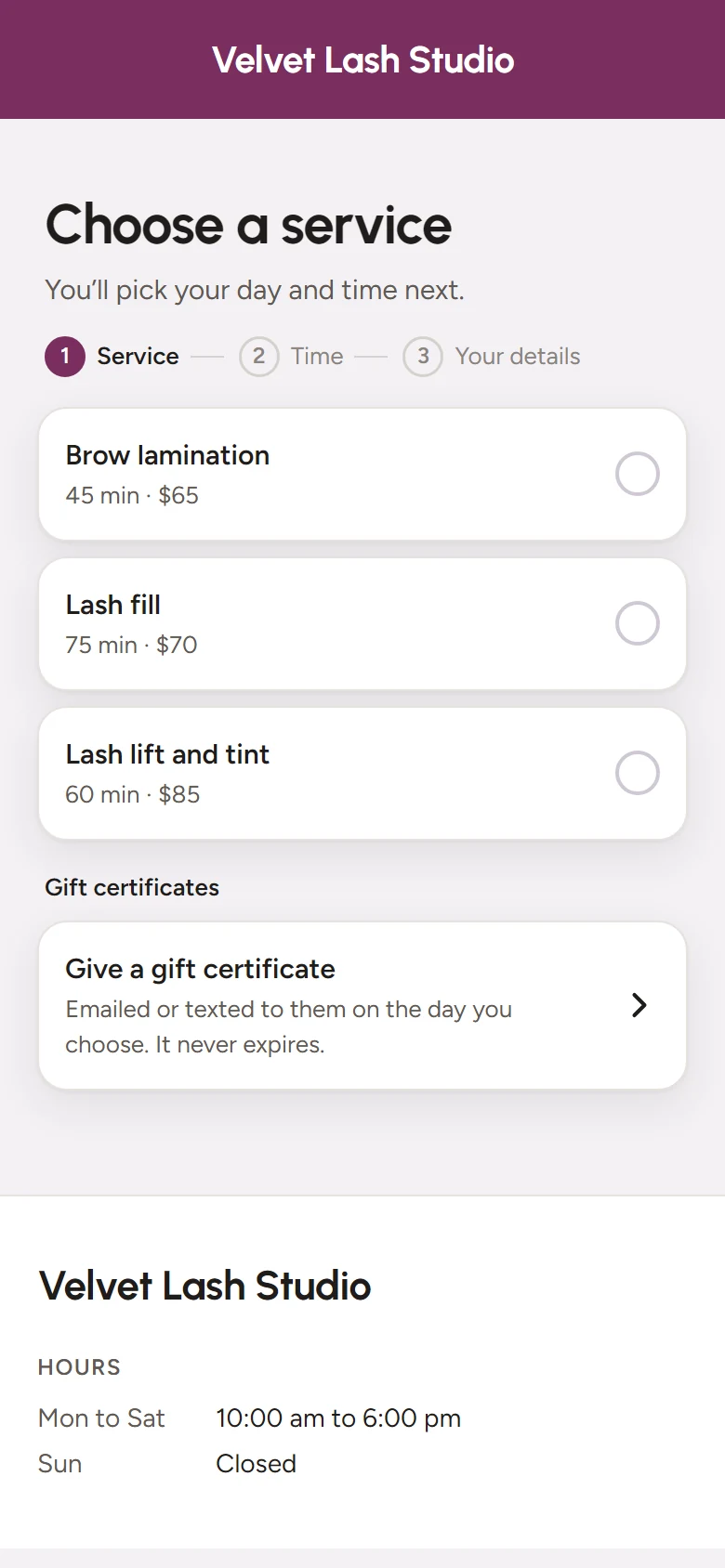
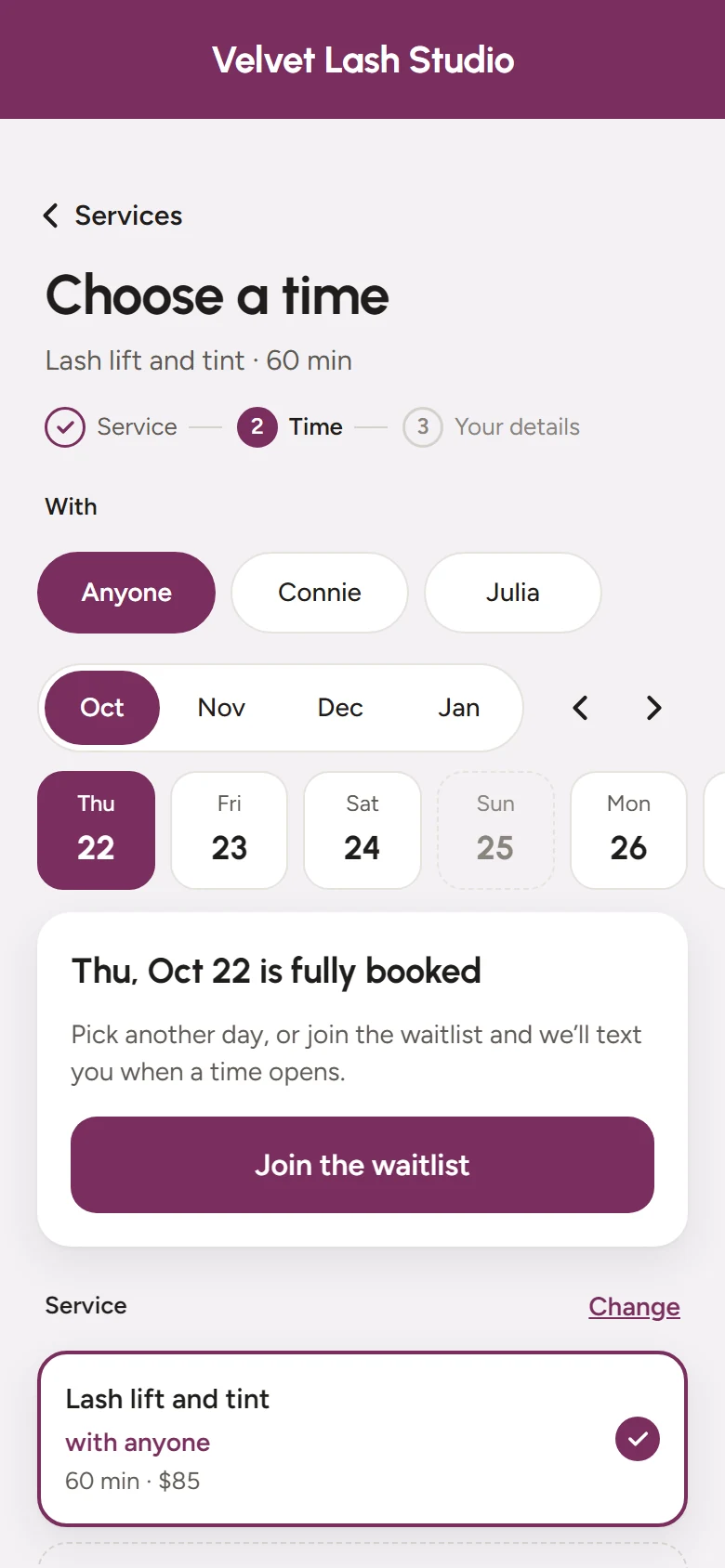
What clients see
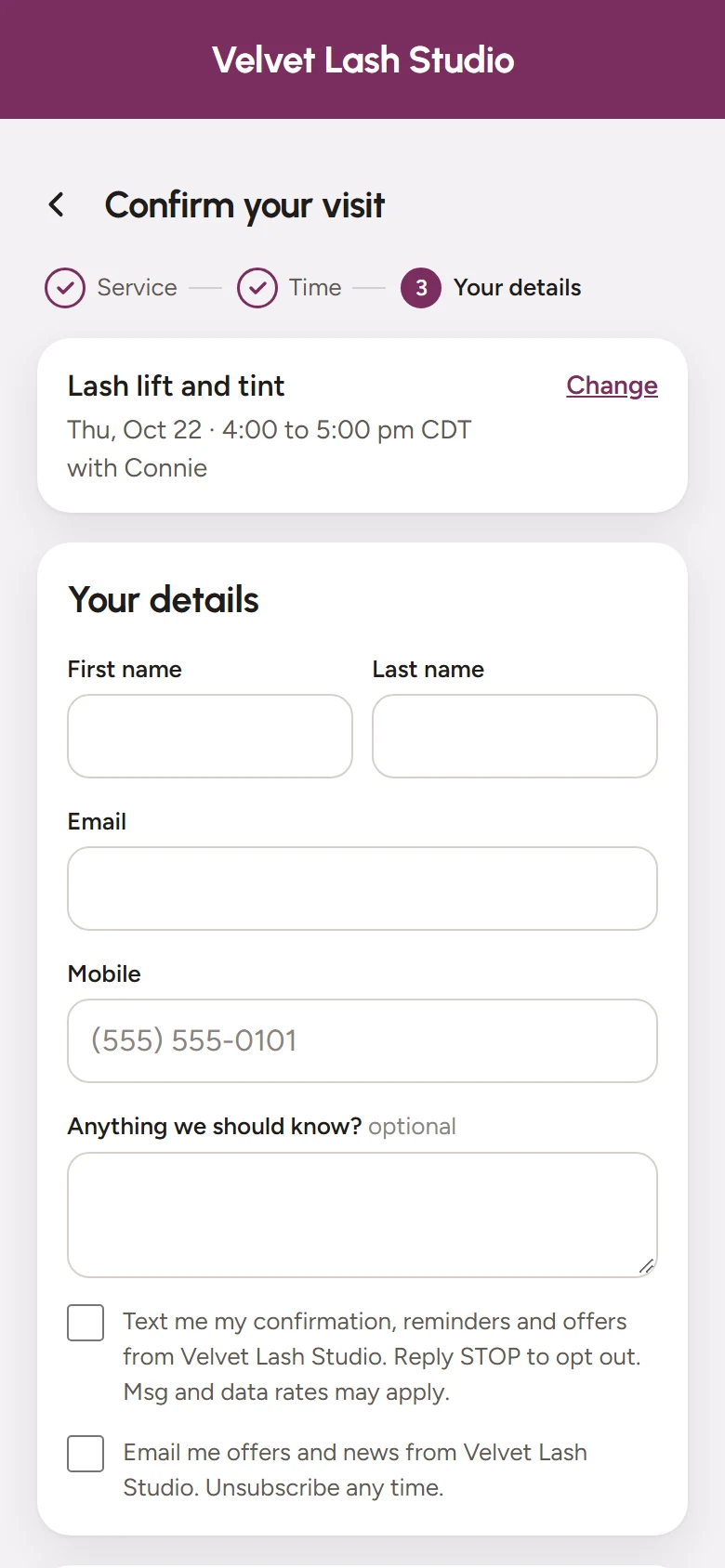
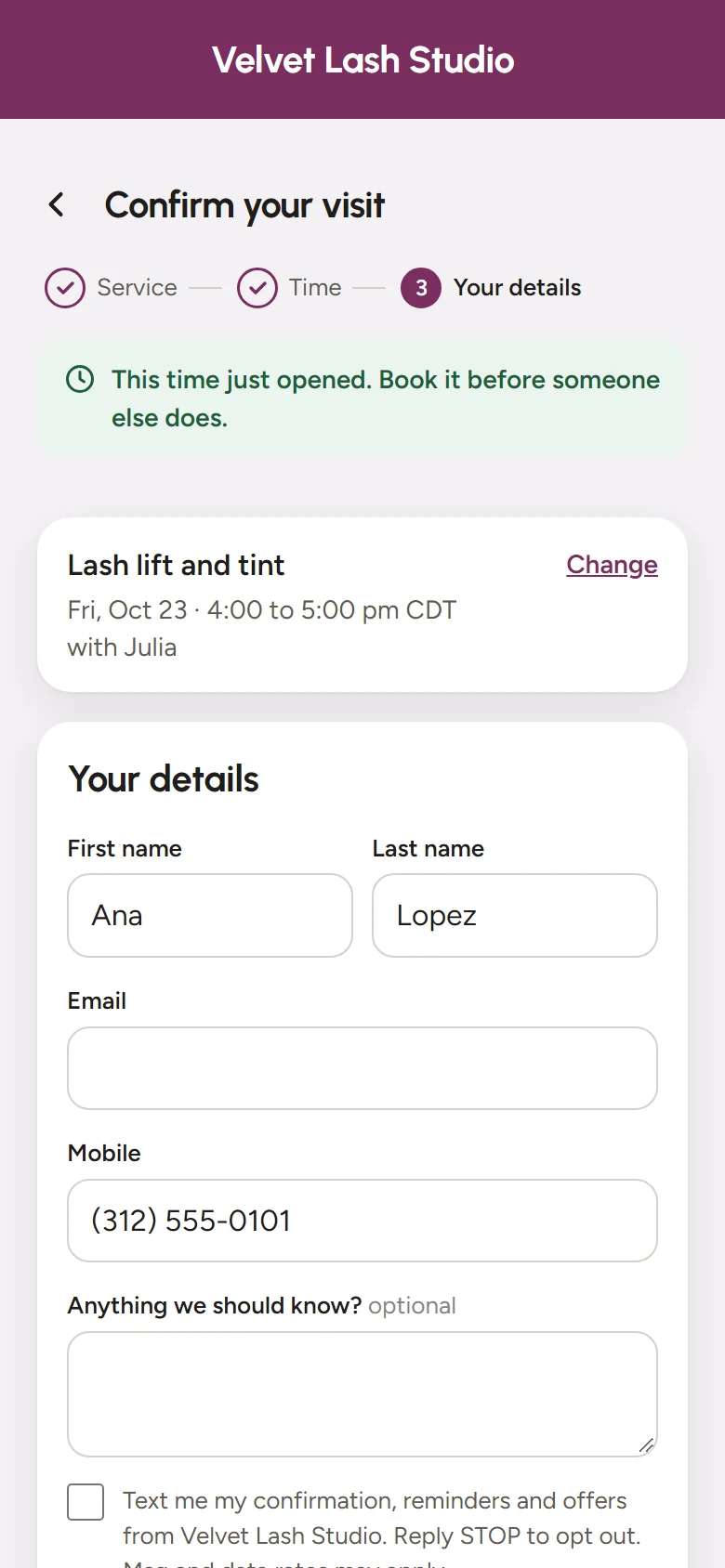
Booked in three steps.
No app to download and no account to make. It works on any phone.
Your hours, your rules
Only the times you really have open.
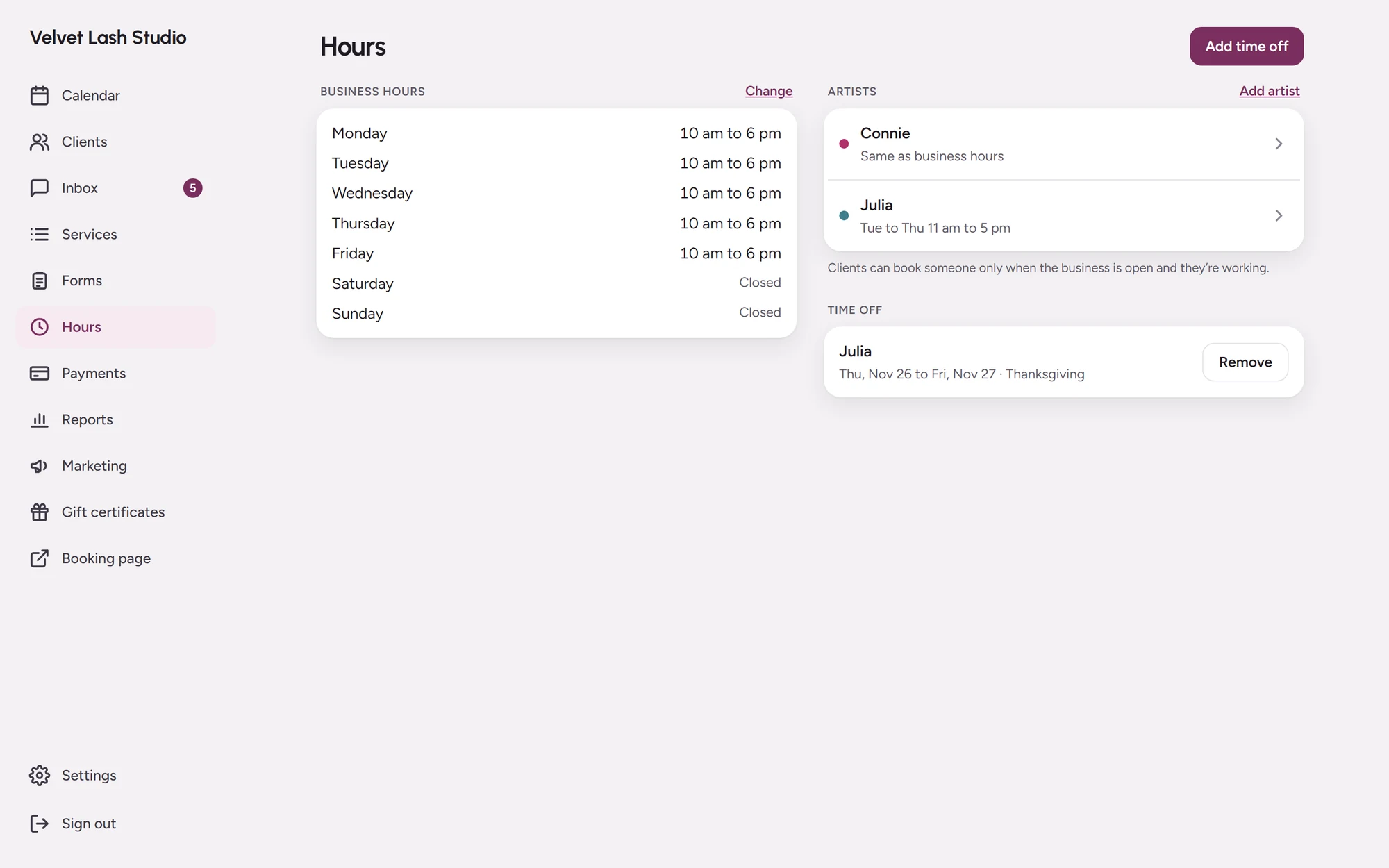
- Your business hours, each artist’s days and time off, all in one place.
- Clients pick who they want to see, or anyone who’s free.
- Up to five services in one visit, each with its own artist and time.
- Cleanup time between appointments stays free.
Deposits
A deposit or a card on hold.
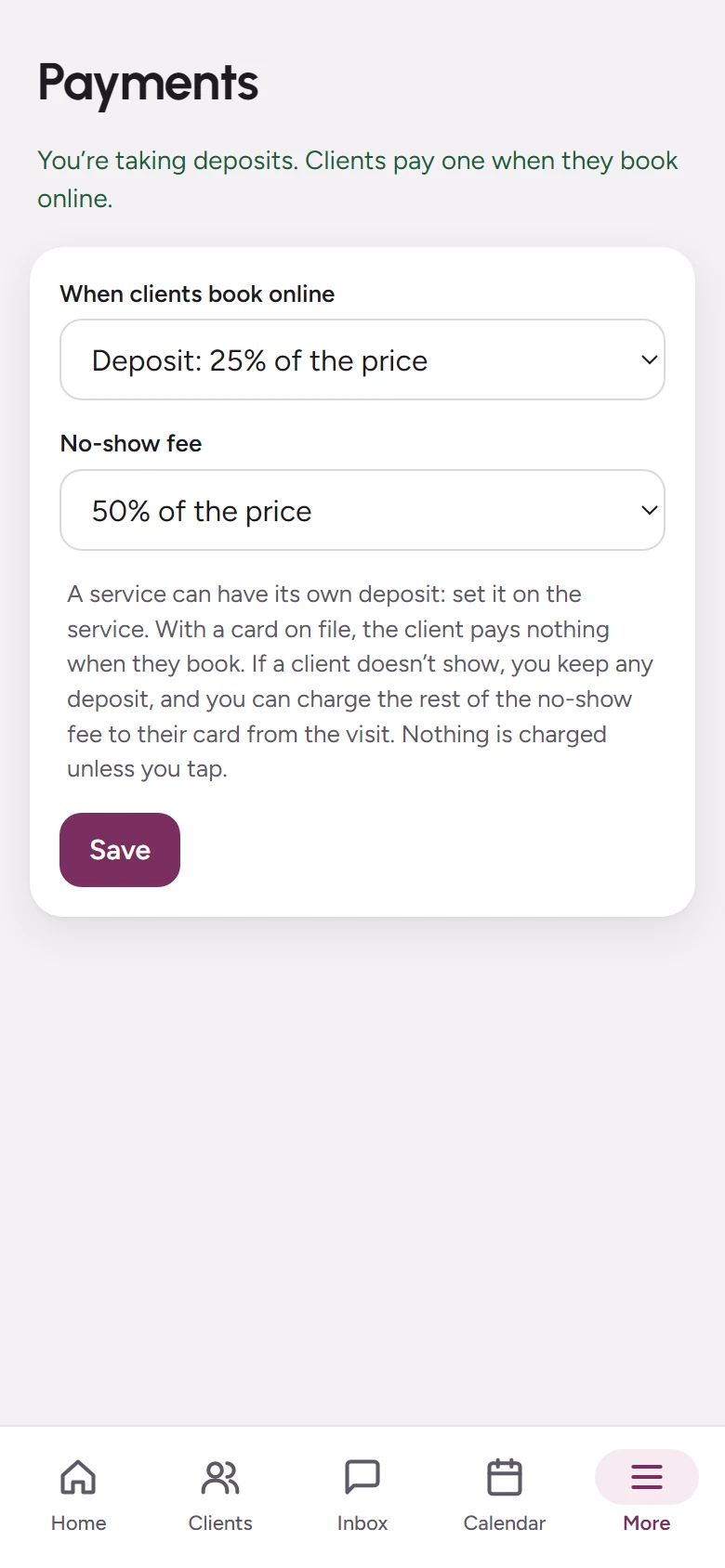
- Take a deposit when they book, as a share of the price or set for each service.
- Or hold their card: they pay nothing now, and you charge a no-show fee if they miss.
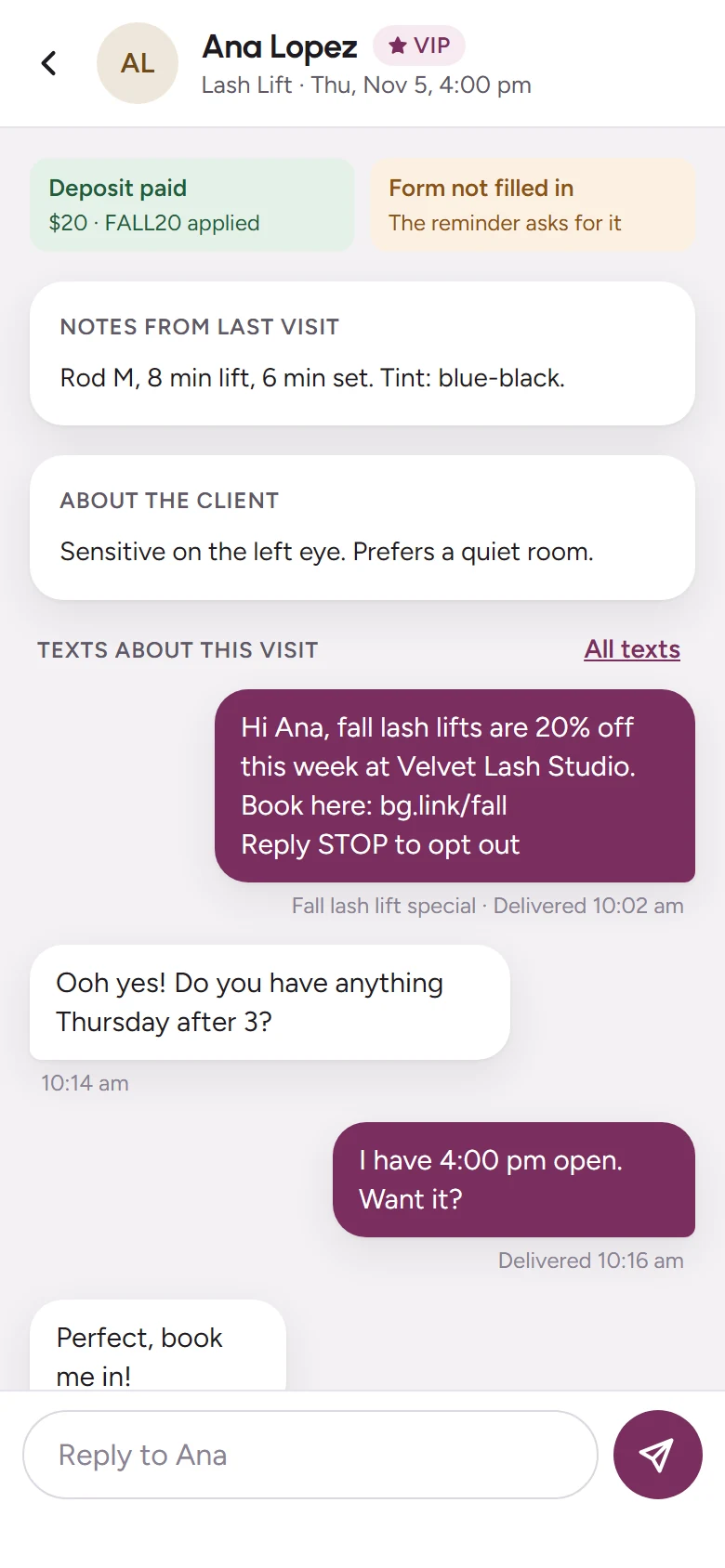
- See the deposit on the visit, and give it back with one tap.
- Or let no-show protection ask only the clients likely to miss.
Waitlist
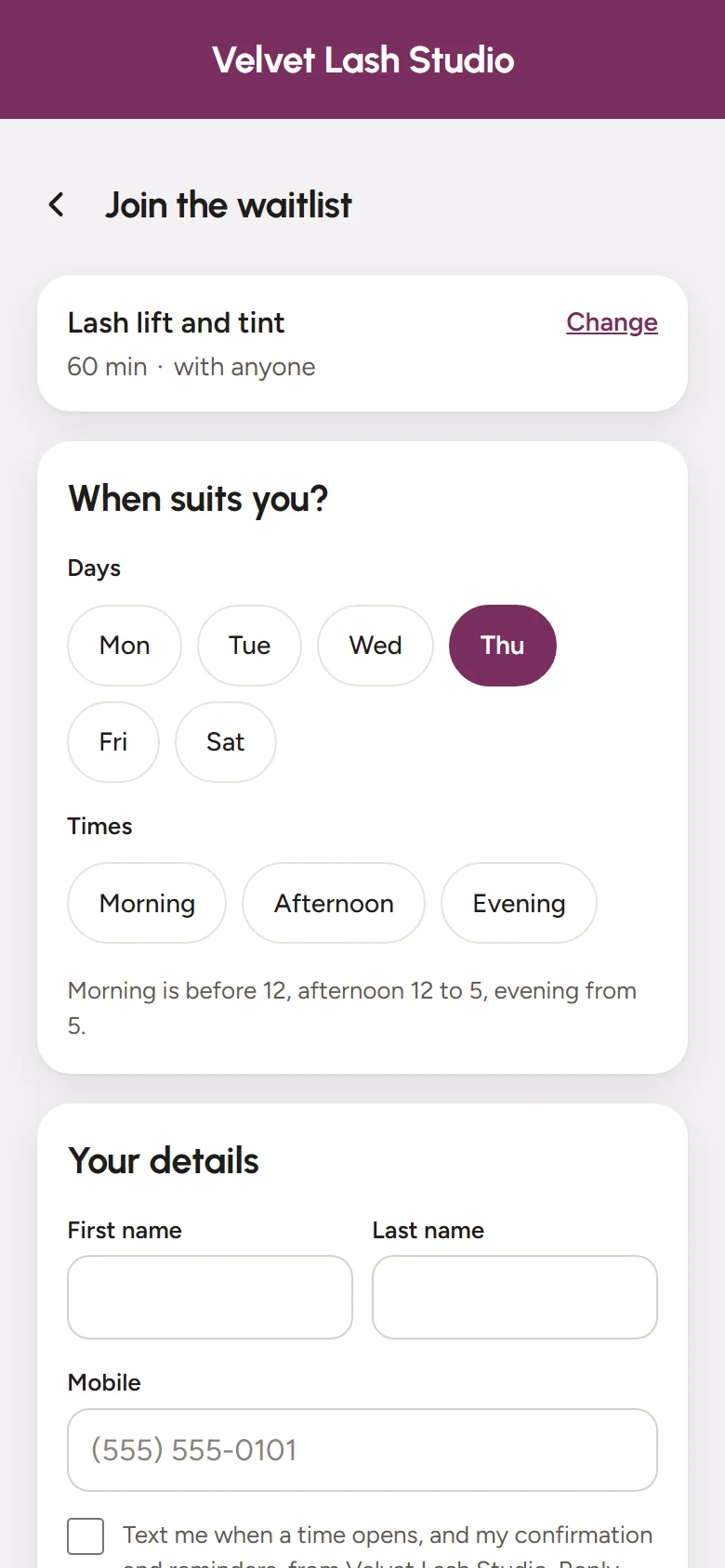
Fully booked? The waitlist fills the gap.
- Clients pick the days and times that suit them.
- When a time opens, they get a text with a link to book it.
- The first one to book gets it, so no one has to chase anyone.
After they book
Forms and reminders go out on their own.
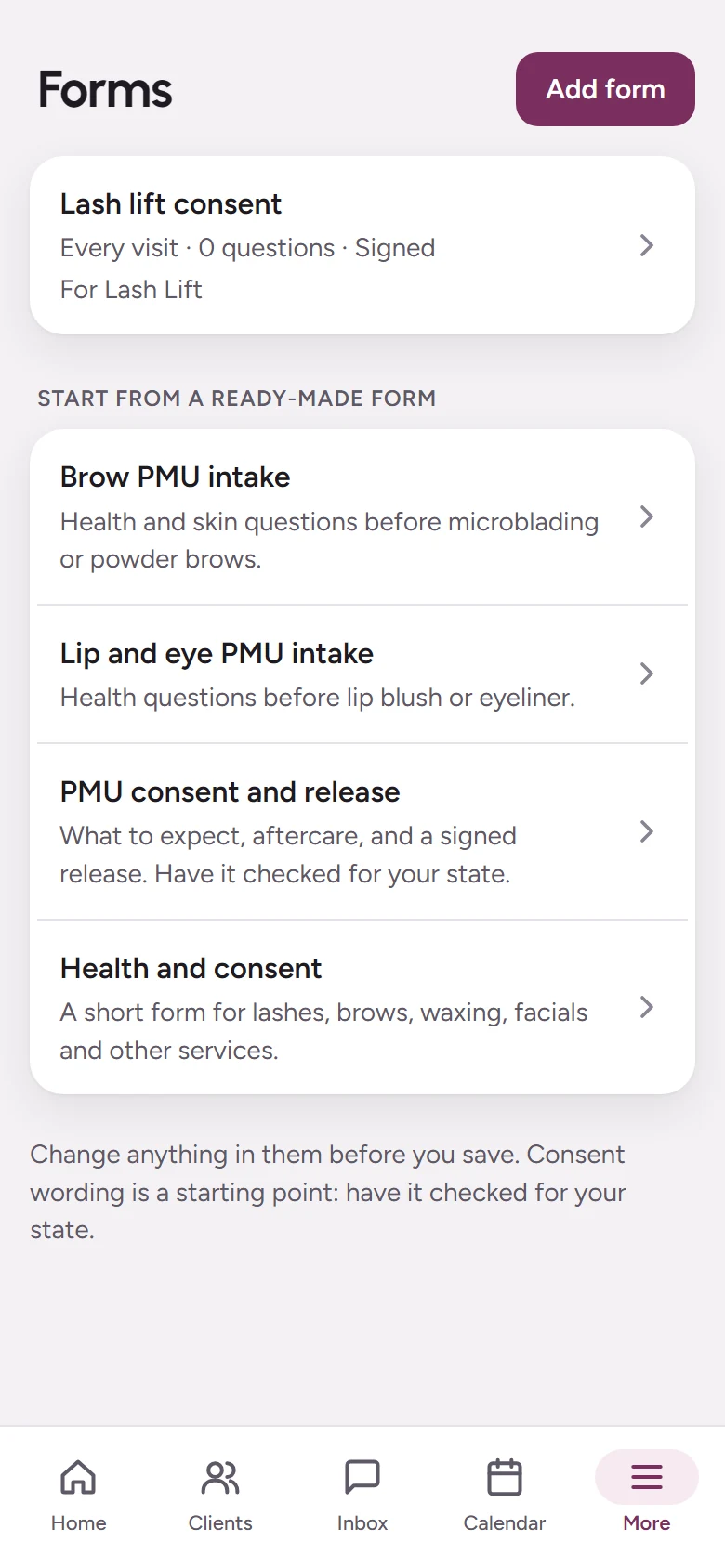
- Intake and consent forms go out after booking and are signed on their phone.
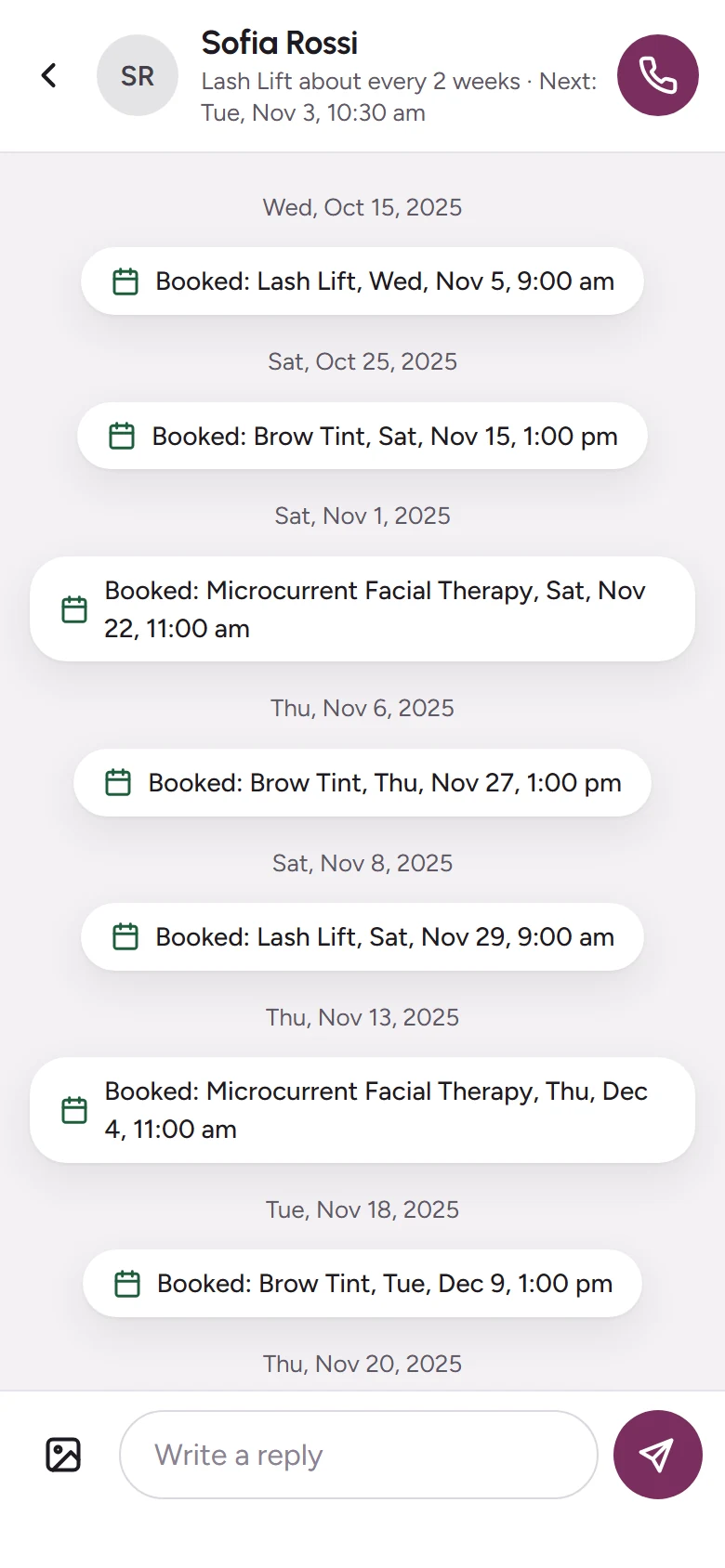
- Confirmations and reminders by text or email.
- They move or cancel from their own link, by your rules.
- A note they write while booking, like “fill and a tint”, is matched to the right service.
- Questions in the middle of the night? Your AI receptionist answers.
Start taking bookings today.
Add your services and hours, then share your booking link.