
Calendar
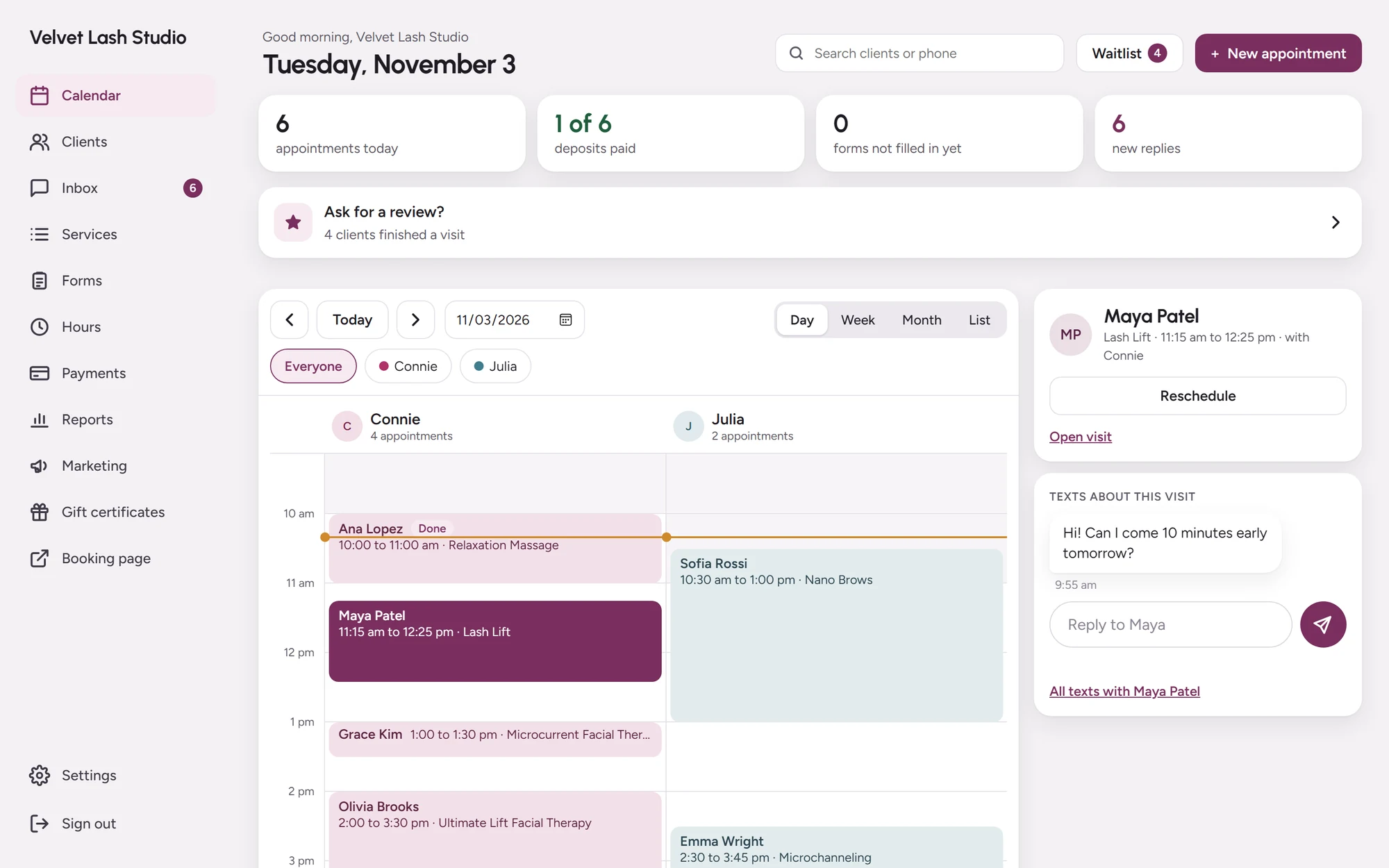
Your whole day,
at a glance.
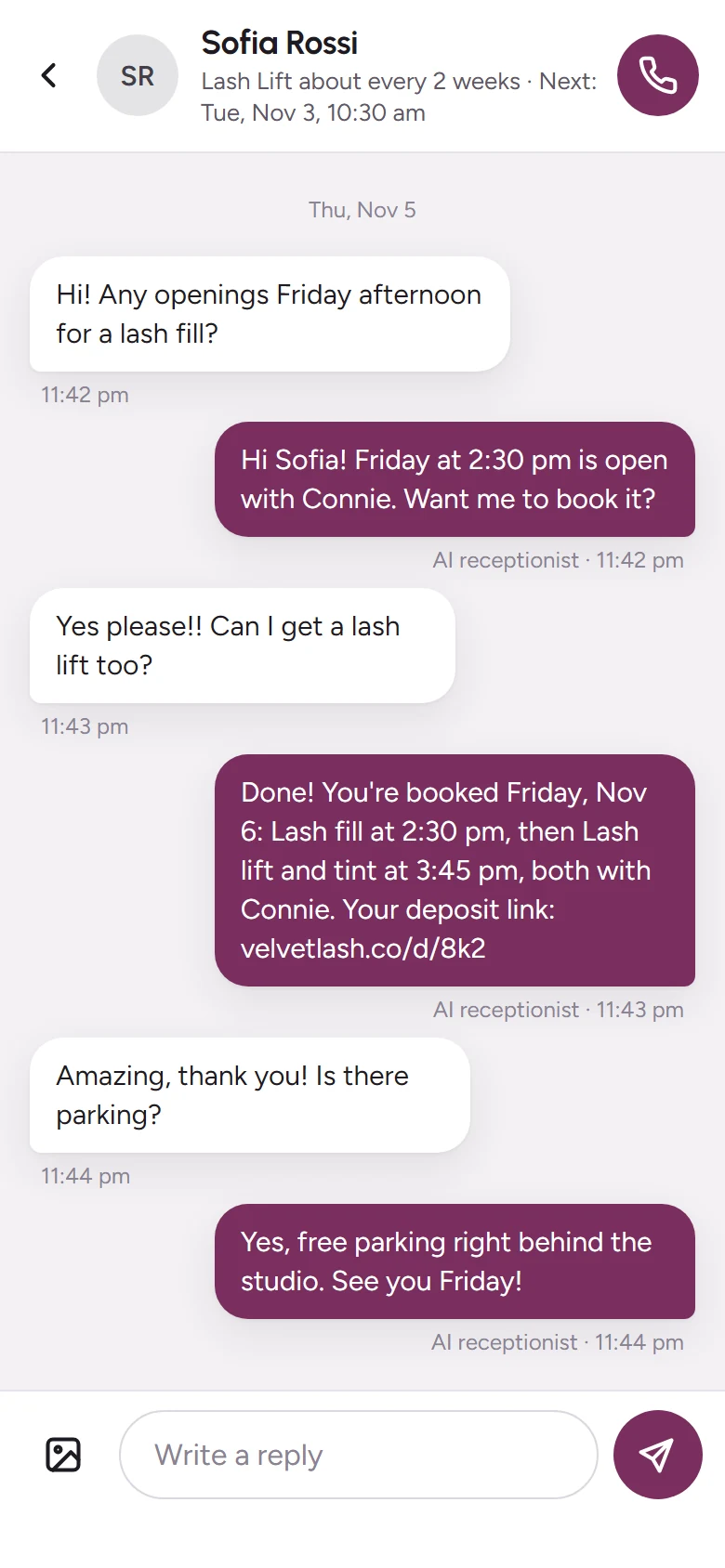
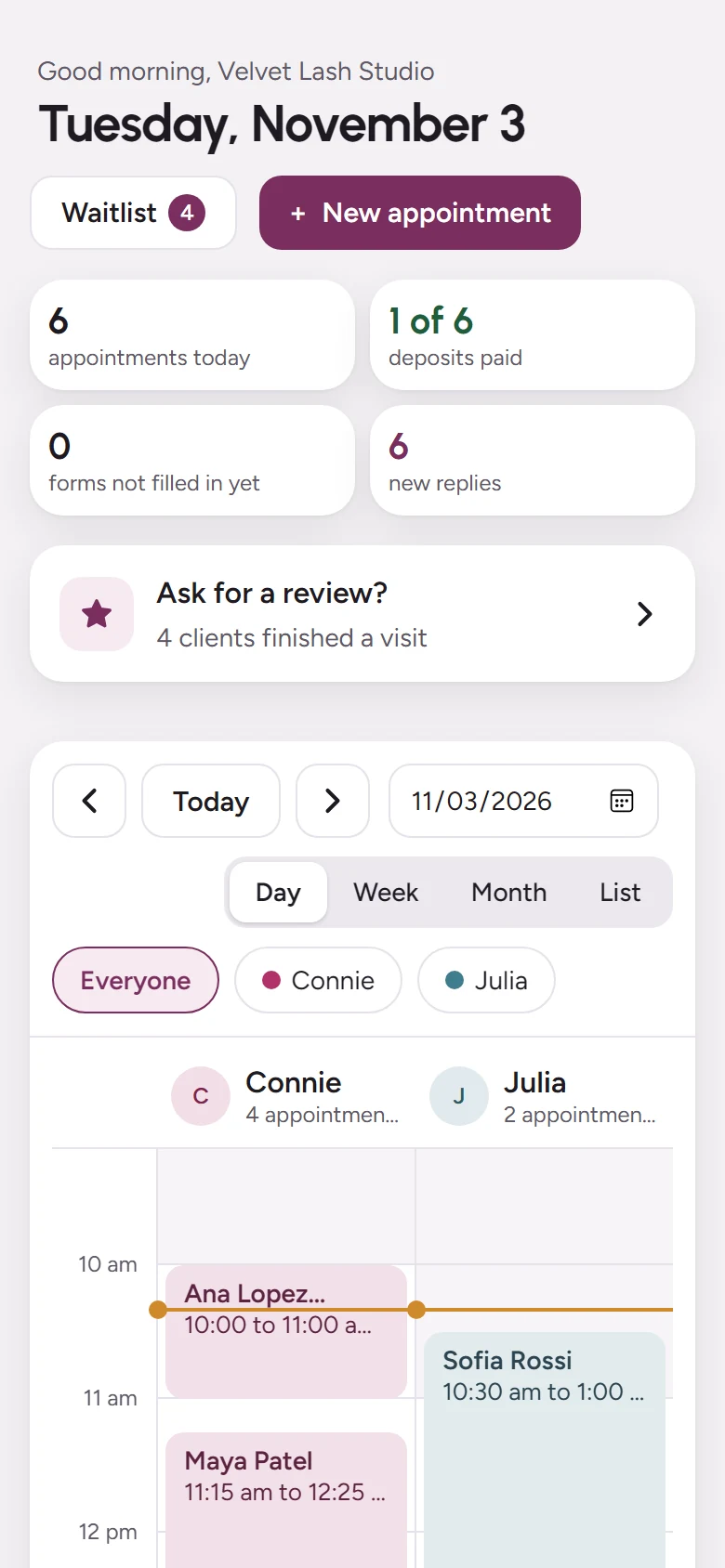
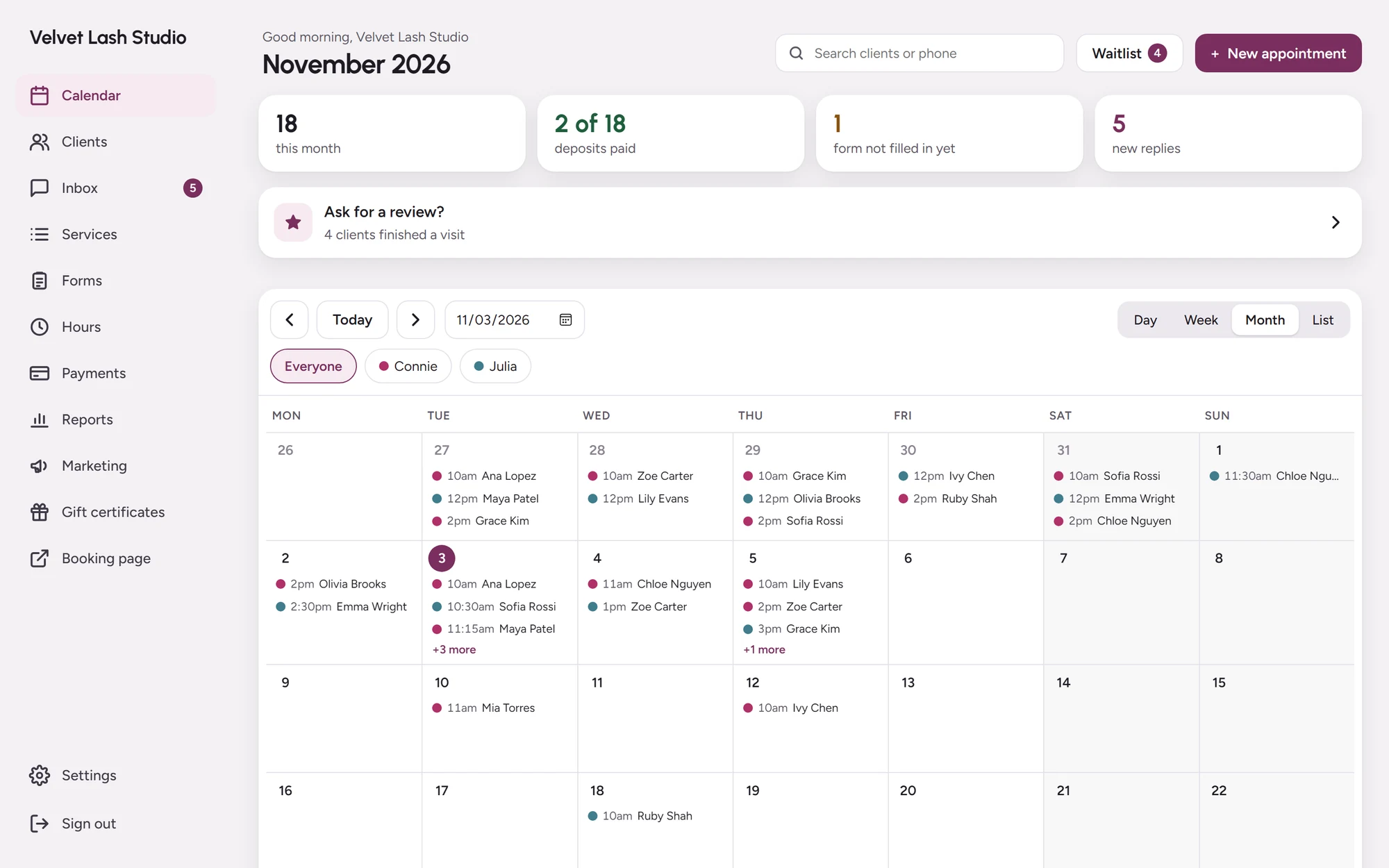
Every artist side by side, on your phone at the chair and your laptop at the desk. Tap a visit to see the client’s notes, the deposit and your texts right beside it.
Four views
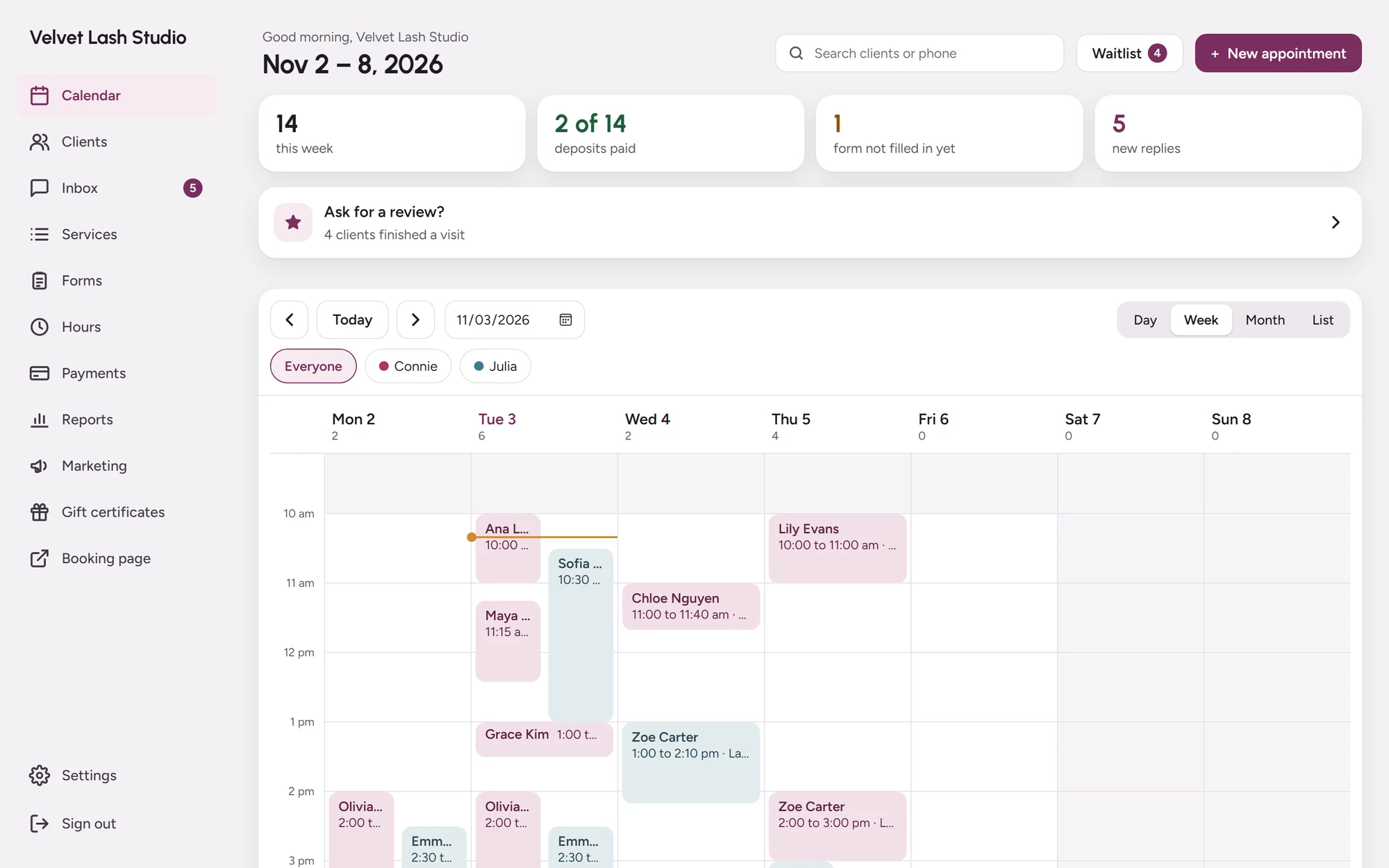
Day, week, month or a list.
- See every artist at once, or just one.
- New appointments in a panel, without leaving the day.
- Drag a visit to move it, and the client is told.
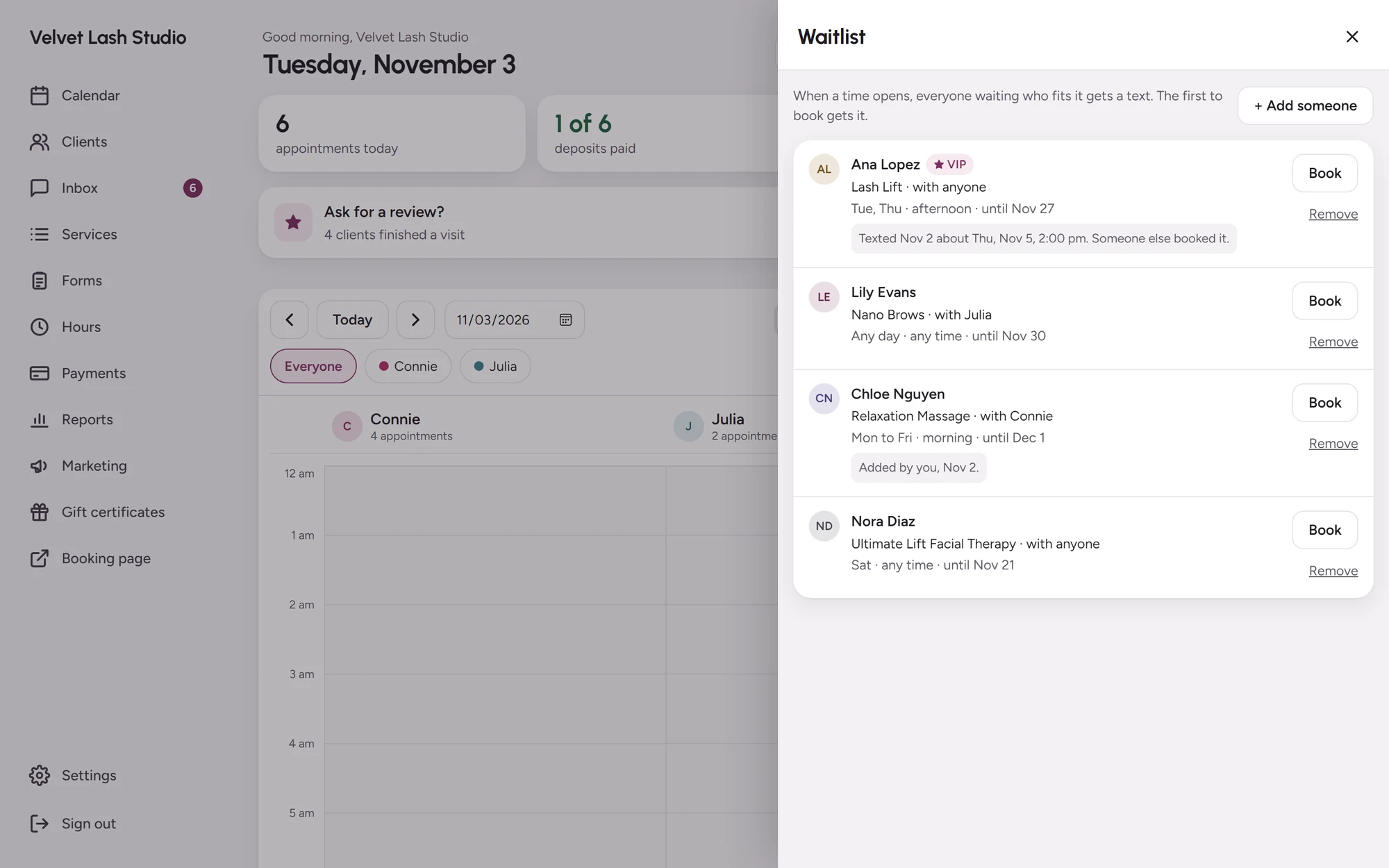
Waitlist at hand
Who’s waiting, right on the calendar.
- See everyone waiting and what times suit them.
- Book them into an opening with one tap.
- Or let the waitlist text them when a time opens.
Your team
Every artist has their own login.
- Each artist signs in to see their own schedule and clients.
- Their hours, time off and services, set in one place.
- Clients book only when that artist is working.
Ready when you are.
Add your services and hours, then share your booking link today.